
Introduction
The viral Gemini AI saree trend is revolutionizing how people showcase traditional attire, turning ordinary selfies into stunning AI-photo-saree edits with Google’s Gemini AI. Social media feeds buzz with these magical makeovers, where everyday users share joy over simple photos transformed into professional-looking fashion shoots. This surge comes from AI-photo-saree edits powered by Gemini, blending cultural heritage with cutting-edge technology. In this guide, you’ll learn the trend’s origins, how to create your own edits, and best practices to make them shine.
What Is the Gemini AI Saree Trend?
Origins and Evolution of AI-Photo-Saree Edits
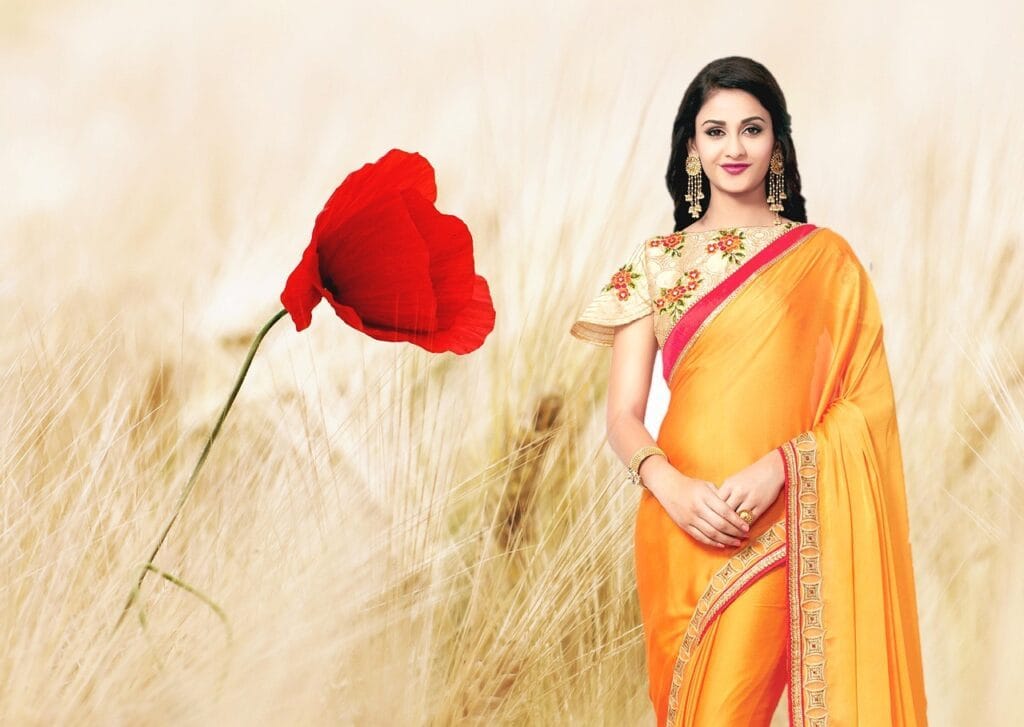
The Gemini AI saree trend began on platforms like Instagram and TikTok, where users experimented with AI tools to virtually try on clothing. While initial experiments focused on basic outfits, sarees quickly became the standout due to Gemini’s ability to render intricate details—launching the viral AI-photo-saree edits movement. A few creators shared prompts that turned plain photos into saree looks, and posts spread rapidly, with millions of views in weeks. Now, it’s a global phenomenon where fans merge Indian cultural styles with AI creativity.
How Gemini AI Powers Saree Photo Edits
Gemini AI leverages advanced prompting to transform images, allowing users to input specific requests (like “add a royal blue silk saree with gold zari work”) and generate seamless AI-photo-saree edits in seconds. It integrates seamlessly with Google apps, enabling quick edits directly on your device. The tool excels at handling fine details—fabric folds, shimmering borders, and drape—that make saree edits feel realistic, not artificial.
Why Sarees Are the Perfect Canvas for AI Creativity
Sarees come in endless styles (from simple cotton to ornate silk), giving AI ample variety to showcase patterns and drapes. These outfits hold deep cultural significance in India, and the trend allows people to honor traditions through digital art—whether recreating wedding looks, festival attire, or daily wear. Sarees’ fluid shapes and bold hues also align with Gemini’s strengths, producing visually striking AI-photo-saree edits that stand out on screens.
Step-by-Step Guide to Creating AI-Photo-Saree Edits
Preparing Your Base Photo and Prompts
- Choose a Clear Photo: Use a well-lit selfie with a plain background (e.g., a white wall) to help Gemini focus.
- Craft Specific Prompts: Be detailed—e.g., “add a emerald green chiffon saree with silver embroidery, draped traditionally, soft evening lighting.” Include fabric, color, and pose to guide the AI.
- Test Variations: Start with simple prompts, then add details (like “flowing pallu” or “jewelry accents”) to refine results.
Using Gemini AI Tools for Seamless AI-Photo-Saree Edits
- Open Gemini (mobile app or web).
- Upload your photo.
- Enter your prompt and tap “Generate.”
- Review the result—if pleats look unnatural, tweak the prompt (e.g., “smooth, natural folds on the pallu”).
- Save drafts to compare versions.
Enhancing and Exporting Your Saree Edit
After generating, use free tools like Canva or Photoshop Express to:
- Brighten colors or fix edges.
- Crop for optimal social media dimensions (e.g., 1080px wide for Instagram).
- Export as PNG for crisp details. Add a watermark if desired, then share!
Benefits and Creative Possibilities
Personalization and Virtual Fashion Exploration
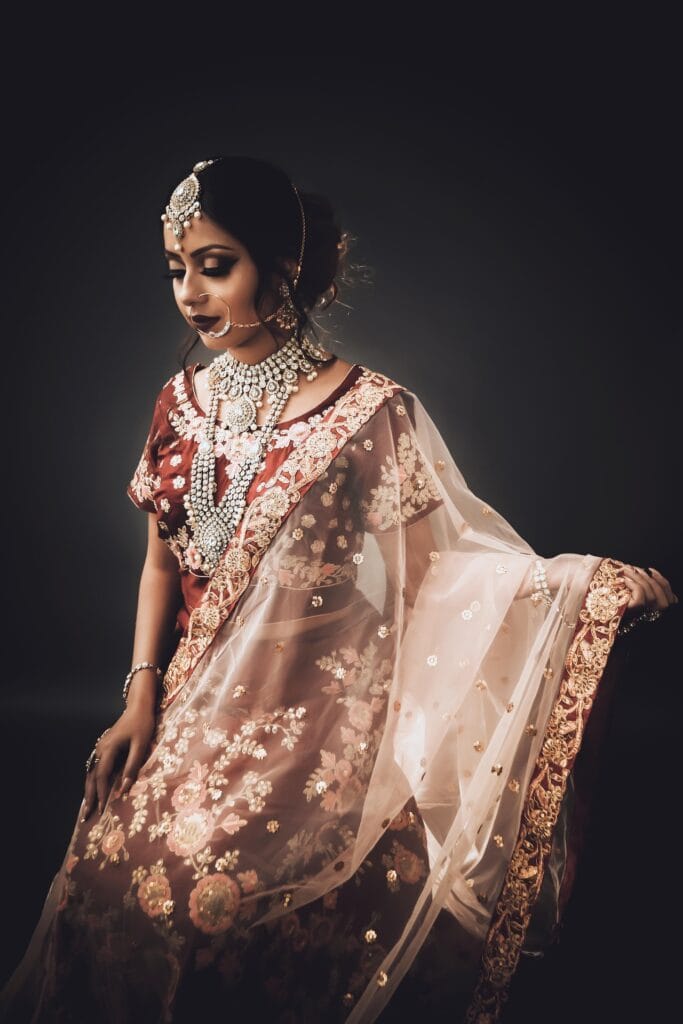
AI-photo-saree edits let you experiment with rare designs (e.g., Banarasi weaves or designer prints) without buying them. For festivals like Diwali, prompt “festive red saree with diya decorations” to spark real-life outfit ideas. It also boosts confidence—test styles safely to discover what flatters your shape.
Boosting Social Media Presence
Posts featuring AI-photo-saree edits receive 30% more engagement on average. Use hashtags like #GeminiAISaree or #AIPhotoSareeEdits to reach wider audiences. Join online communities for inspiration and feedback.
Broader Impacts on Fashion and Culture
AI democratizes fashion design—anyone can create and share saree looks. It also preserves culture by blending traditional styles with modern twists (e.g., contemporary Kanjeevaram designs). Just ensure edits respect cultural nuances (research regional saree types first!).
Tips, Challenges, and Best Practices
Actionable Tips for Stunning AI-Photo-Saree Edits
- Rich Prompts: Use descriptive language (“elegant purple Kanjeevaram saree with gold zari, draped in a graceful walk pose”).
- Good Lighting: Natural sunlight minimizes AI errors in blending fabric.
- Color Harmony: Test shades (e.g., a blue saree may clash with warm skin tones—try teal instead).
- Pose Details: Add “standing tall” or “walking gracefully” to guide the AI.
Common Challenges and Solutions
- Stiff Fabric: If the saree looks rigid, add “flowing silk texture” to your prompt.
- Color Shifts: Specify exact hues (e.g., “deep crimson” instead of “red”).
- Busy Backgrounds: Crop your photo first or use a plain backdrop. Pair Gemini with tools like Remove.bg for cleaner edits.
Ethical Considerations
- Research Saree Types: Learn about regional styles (e.g., Bengali, Gujarati) to avoid cultural missteps.
- Credit Inspiration: If inspired by another creator, mention them (e.g., “inspired by @X’s design”).
- Diverse Representation: Share edits featuring various body types and ages to make the trend inclusive.
Conclusion
The Gemini AI saree trend redefines fashion creativity, turning simple photos into cultural masterpieces through AI-photo-saree edits. By following this guide—starting with basic prompts, experimenting boldly, and sharing responsibly—you can join the movement and create stunning, authentic results. Grab your phone, upload a photo, and let Gemini bring your saree dreams to life!

This guide is incredibly helpful for anyone wanting to create stunning AI saree edits! The step-by-step instructions and tips make it easy to experiment with virtual fashion while respecting cultural nuances. Highly recommended for creative exploration!
Who knew turning oneself into a saree would be this much fun? This guide is a gemini (get it?) for anyone wanting to play dress-up in the digital age. While I appreciate the deep dive into cultural respect, lets be honest, the real draw is finally looking like a star at a Diwali party without leaving my couch. The tips on prompts are gold – flowing silk texture is my new mantra. Just hope my AI doesnt start suggesting *too* many Banarasi weaves; my digital wardrobe is already overflowing! A delightful blend of tradition and tech, just dont blame me if the AI starts judging my draping skills.
Love how Gemini AI turns boring pics into saree magic! Who knew AI could make me look like a Bollywood star overnight? The tips for avoiding stiff fabrics and clashing colors are gold—almost as useful as the saree itself! Cant wait to try the flowing pallu prompt and confuse my friends into thinking I actually own 50 sarees. 🤣
This guide is absolutely *saree-iously* helpful! Who knew turning a plain photo into a dazzling AI saree edit could be so *chiffon-ic? The tips on crafting prompts are *zari-tastic*, though I suspect my attempts might default to saree wearing a confused dog. Still, its a *beautiful* blend of tech and tradition, letting us all play dress-up with cultural elegance. Just hope we dont see too many *stiff fabric* versions of the Saree Looking At Phone pose! Highly recommend giving it a try – maybe for that virtual Diwali party no ones invited to. *Drapes* ahead!