
Introduction
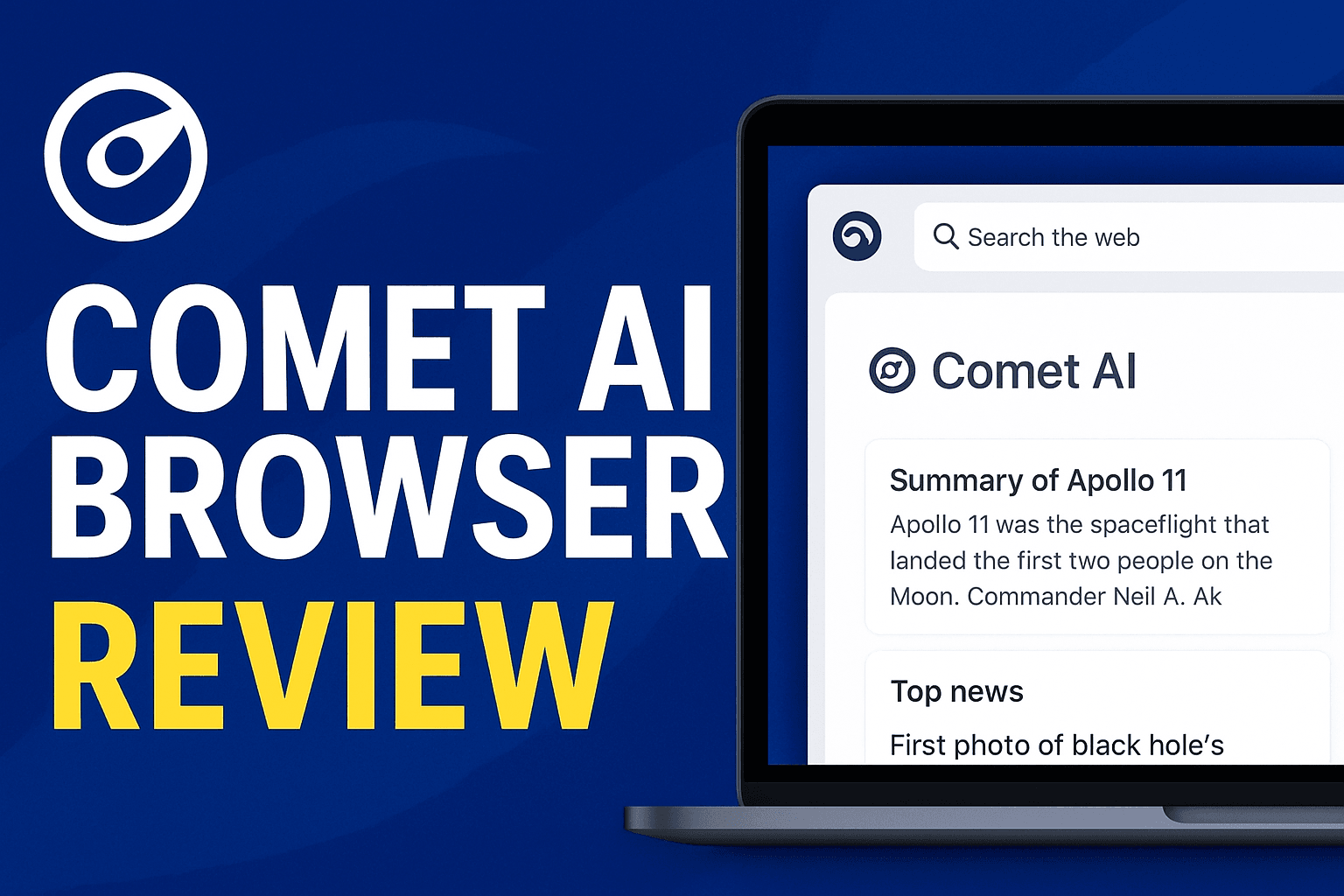
Web browsing is undergoing a seismic shift, driven by artificial intelligence (AI) that promises smarter, faster, and more personalized experiences. At the forefront of this evolution is Comet AI Browser, a product of Perplexity—the company behind the popular AI search tool. Unlike traditional browsers, Comet AI integrates AI directly into every step of your online journey, from search to content consumption. As AI-powered browsers gain traction (with giants like Google and Microsoft investing heavily in similar tech), Comet AI stands out for its focus on privacy, simplicity, and cutting-edge AI capabilities. In this guide, we’ll break down what Comet AI is, its key features, how to use it, and whether it can dethrone established browsers like Chrome or Edge.

Section 1: What is Comet AI Browser?
Comet AI Browser is Perplexity’s entry into the competitive web browsing market, launched to merge the power of AI with the familiarity of a traditional browser. Perplexity, founded in 2020, built its reputation on AI-driven search that summarizes complex topics into digestible answers. Comet AI extends this expertise by embedding AI directly into the browser, turning it into a proactive assistant rather than a passive tool.
Unlike legacy browsers (e.g., Chrome, Firefox) that rely on manual input and basic search algorithms, Comet AI uses natural language processing (NLP) and machine learning to understand user intent, summarize web pages, and even predict next steps. This makes it less of a “browser” and more of an “AI co-pilot” for the internet.
Section 2: Key Features of Comet AI Browser
Comet AI’s standout features revolve around its AI integration, designed to save time and enhance productivity. Below is a breakdown of its core advantages:
| Feature | Description | Benefit |
|---|---|---|
| AI Search Assistant | Uses NLP to interpret queries and deliver concise, cited answers (not just links). | Eliminates scrolling through search results; gets straight to the point. |
| Personalized Browsing | Learns user preferences over time to recommend content, news, or products. | Reduces decision fatigue; tailors the web to individual interests. |
| Summarization Engine | Condenses long articles, videos, or reports into key takeaways with one click. | Saves hours of reading; ideal for research or quick updates. |
| Built-in Privacy | Blocks trackers, encrypts data, and offers a “private mode” with zero logging. | Protects against targeted ads and data breaches; aligns with modern privacy expectations. |
Section 3: How to Use Comet AI Browser
Getting started with Comet AI is straightforward. Follow these steps to download and install it:
- Visit the Official Site: Go to perplexity.ai/comet.
- Download the Installer: Click the “Download” button for your OS (Windows 10/11, macOS Big Sur+, iOS, or Android).
- Install the Browser: Run the installer and follow on-screen prompts (takes ~2 minutes).
- Set Up Your Profile: Create a Perplexity account (optional but recommended for personalized features).
- Start Browsing: Open Comet AI and use the search bar or type a query to test its AI features.
Availability: Comet AI is currently available on desktop (Windows/macOS) and mobile (iOS/Android), making it accessible across devices.
Section 4: Comet AI Browser vs Chrome & Edge (H2)
To determine if Comet AI is a viable alternative, let’s compare it to two dominant browsers:
| Category | Comet AI | Chrome | Edge |
|---|---|---|---|
| Speed & Performance | Fast AI loading; optimized for quick summaries. | Reliable but can slow with many tabs/extensions. | Similar to Chrome; integrates with Windows ecosystem. |
| Privacy | Zero-tracking policy; no ad targeting. | Collects usage data (can be disabled). | Offers “Tracking Prevention” but still collects some data. |
| AI Integration | Deep integration (search, summarization, recommendations). | Basic AI features (e.g., tab groups, password manager). | Bing-powered AI (ChatGPT integration) but less seamless. |
| Extensions | Limited selection (focus on AI tools). | Vast library (over 100k extensions). | Growing library; integrates with Microsoft services. |
Section 5: Pros and Cons (H2)
Before switching, weigh Comet AI’s strengths and weaknesses:
| Pros | Cons |
|---|---|
| ✅ Fast AI-Powered Search: Gets answers instantly. | ❌ New Product: May have bugs or limited support. |
| ✅ Privacy-Focused: No data monetization. | ❌ Fewer Extensions: Less customization than Chrome/Edge. |
| ✅ Productivity Boost: Summarizes content quickly. | ❌ Learning Curve: Users may need time to adapt to AI features. |
| ✅ Cross-Platform: Works on desktop and mobile. |
Section 6: Is Comet AI Browser Safe to Use?
Safety is a top concern for any new browser. Here’s what you need to know:
- Privacy Measures: Comet AI claims it doesn’t track user activity, sell data, or show targeted ads. Its “private mode” goes further by blocking third-party cookies and fingerprinting.
- Data Collection: Perplexity states it only collects minimal data (e.g., crash reports) to improve the product. Users can opt out of all data sharing.
- AI Reliability: Like all AI tools, Comet AI may occasionally generate inaccurate summaries or answers. Perplexity is actively refining its models, but users should verify critical information.
Verdict: Comet AI is safe for everyday use, especially for privacy-conscious users. However, treat its AI outputs as suggestions—not gospel—for sensitive tasks.
Section 7: Final Verdict
Comet AI Browser is a bold step toward the future of web browsing, where AI acts as a seamless co-pilot. It excels for:
- Tech Enthusiasts: Those eager to try cutting-edge AI tools.
- Privacy Advocates: Users tired of data-hungry browsers.
- Productivity Seekers: Professionals who need to digest information quickly.
While it’s not perfect (limited extensions, newness), its AI features and privacy stance make it a strong contender. As AI becomes integral to browsing, Comet AI is positioning itself as a leader—not just a follower. If you’re open to experimenting with the next generation of browsers, Comet AI is worth a try.
Ready to explore the future of browsing? Download Comet AI today and experience AI-powered surfing firsthand.